


The Perfect Match:
IRBsearch and Trackops Join Forces for Streamlined Investigations
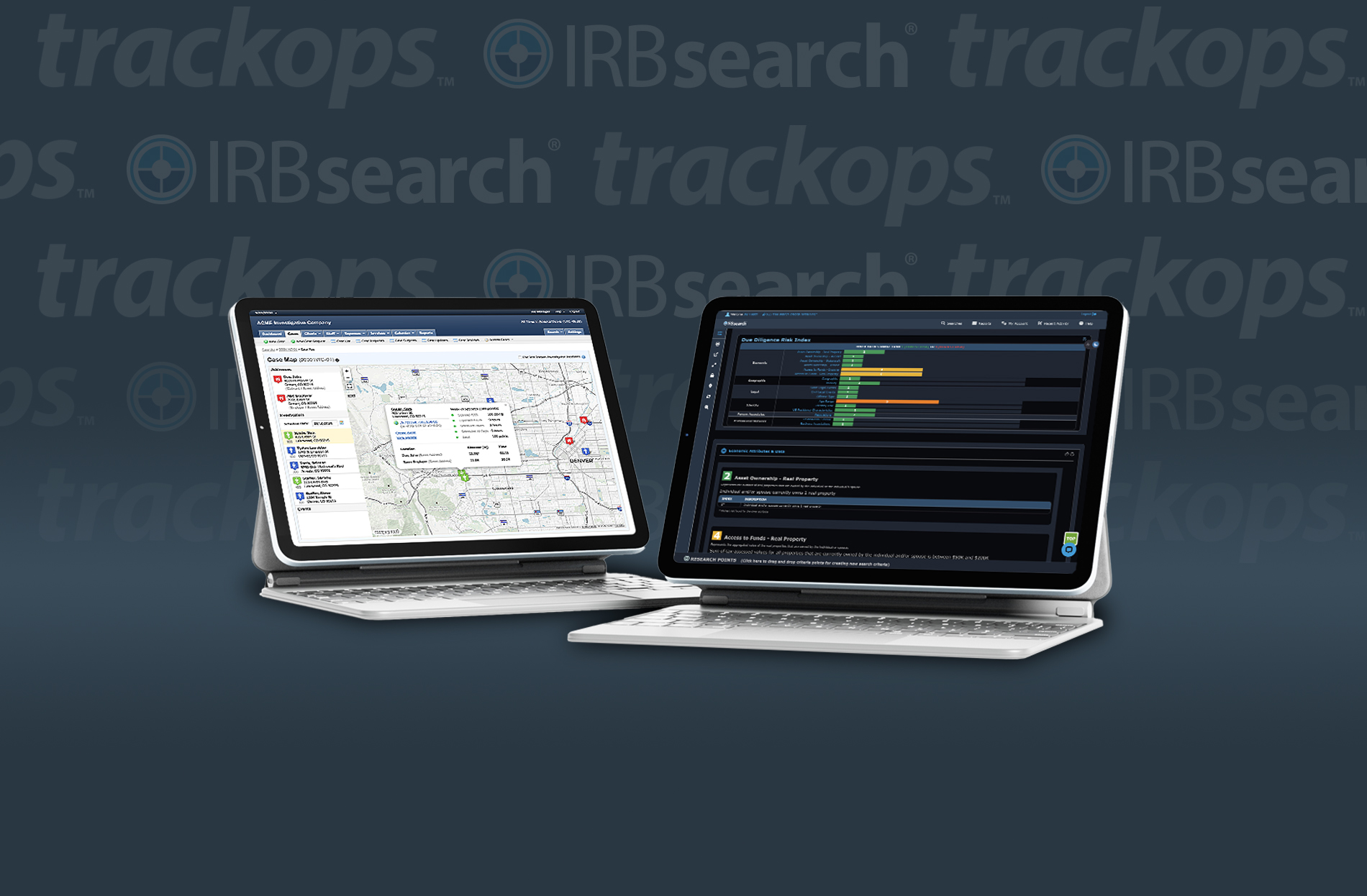
IRBsearch is excited to announce its strategic partnership with Trackops, a renowned investigator case management system. This collaboration aims to enhance the experience for investigators by integrating IRBsearch’s comprehensive data access directly into the Trackops platform. By streamlining workflows in this manner, investigative professionals will benefit from increased efficiency, improved data retrieval, and a more seamless approach to case management.
Trackops includes all the tools you'll need to easily and efficiently manage your case load. Smart features that cover everything from case intake and assignment to expenses and work performance make managing any size team a breeze. What's more, Trackops is fully web based, giving you the ability to supervise your investigation operations from anywhere at any time.
With this integration, Trackops users will enjoy immediate access to IRBsearch’s expansive database of public records, allowing them to retrieve critical information swiftly without having to toggle between different platforms. This means that investigators can focus more on analyzing data and less on the logistics of accessing it.
This partnership underscores a commitment to innovation in the investigative field. By harnessing the strengths of both platforms, professionals will not only save time but also enhance the accuracy of their findings. The integration of IRBsearch’s rich datasets with Trackops’ robust case management capabilities equips investigators with the tools they need to be more effective and thorough in their work. As the investigative landscape continues to evolve, this partnership positions users to stay ahead of the curve, leveraging technology to uncover insights more efficiently than ever before.
IRBSEARCH SETUP
Configuring the Trackops integration in IRBsearch
How to enable Trackops in IRBsearch:
- Log in to your IRBsearch account
- Go to My Account > My Profile
- Select 3rd Party Integrations
- Choose TrackOps from the dropdown
- Click Save
TRACKOPS SETUP
Configuring the IRBsearch Data Provider in Trackops
Step 1: Obtain your IRBsearch Account Number
If you're already an IRBsearch customer, you have an account number. To locate your account number, login to your IRBsearch portal as an administrator. From here, click My Account > Account Administration > View Signed Documents. Next, open your account application document and locate the Certification of Use section. Finally, locate your Account Number within the business information section.
Note: Your account number was also emailed to you when you first signed up for your IRBsearch account.
Step 2: Enable the Trackops Data Provider
To activate your IRBsearch API connection, click Settings and then Addons & Integrations. From here, click IRBsearch. Fill out the form to continue.
- Enabled - Determine if the IRBSearch search integration should be enabled or disabled. By enabling the feature, the search will become immediately available. Enabling this feature will add a Searches tab to your cases.
- Account Number - The IRBsearch account number obtained in step 1.
Click the button below for more information on configuring the IRBsearch integration in Trackops.
MORE TRACKOPS INTEGRATION INFORMATION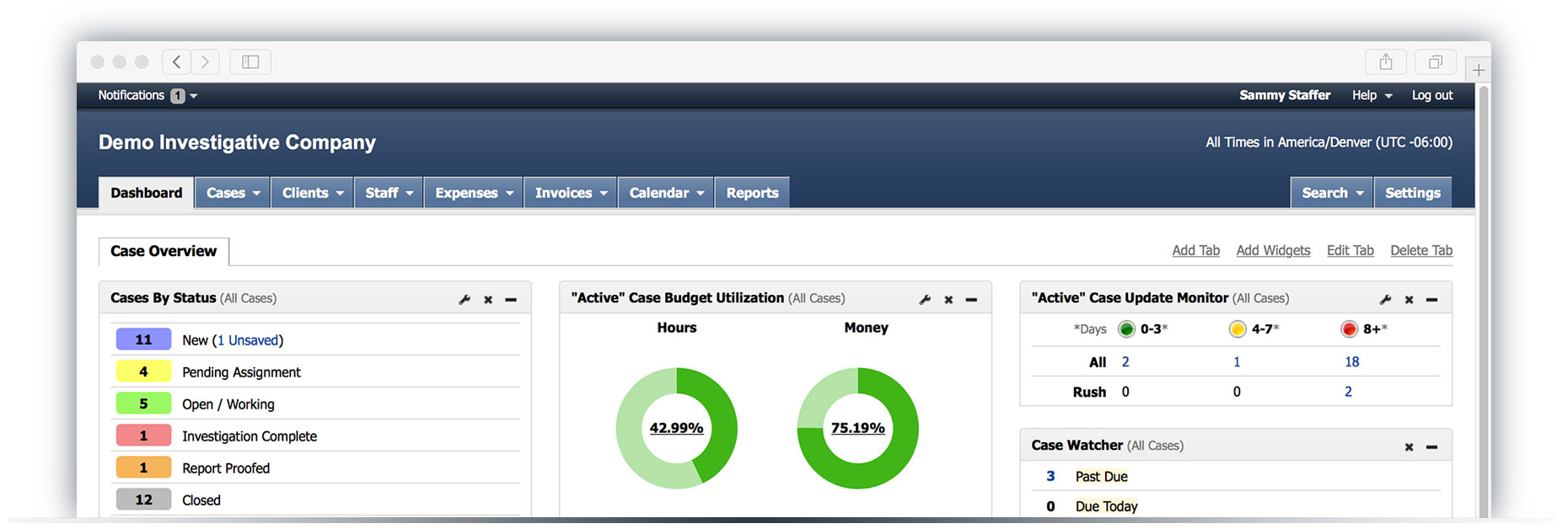
Trackops Features
Trackops includes all the tools you'll need to easily and efficiently manage your case load.
Stay Organized with Trackops
Don't get lost in the paper shuffle. With Trackops, every detail of every case is organized and streamlined for easy collaboration in a digital file. Important case details, along with client communication, videos and documents, and financial data are readily available, easy to manage, and easy to share.
Powerful Video Processing
With the Trackops video processing application, investigators can easily drag and drop videos of any type and have them automatically processed, timestamped, and uploaded into Trackops. Smart tools allow staff to create clips, generate merged videos, and capture stills with ease.
Simple Time & Expense Tracking
Allow employees to quickly and easily submit time and expenses for approval on each day they work. Custom time and expense items allow for unique pricing, detailed item tracking, pre-configured descriptions, and comprehensive reporting. Automatically track time and distance using the Trackops Mobile App to save time and increase accuracy.
Seamless Billing
Convert billable time and expenses into professional looking invoices with a single click. Easy customization of client price lists and invoicing rules makes the accurate generation of invoices a breeze. Email your invoices and use automated payment reminders to keep up with aging accounts. Integrated finance tools allow for real-time invoice estimates and profitability reporting across your entire case load.
Easy Document Generation
Generate final reports, letters, and other standardized documents that include live case data with the click of a button. Our unique templating system supports your existing Microsoft Word, Google Docs, and Open Office templates. Integrating Trackops into the templates you use every day makes life easier for investigators and support staff. You'll speed up report writing and reduce errors across the board!
Integrated Calendaring Throughout
Trackops offers centralized calendaring and scheduling tools that will keep you on top of the tasks at hand, making it easier to ensure the right people are in the right place at the right time. Audit tasks and events through a master calendar and schedule with multiple views. Organize and color code activities across your entire team, making it easy to handle case loads of any size!
Scheduling with Confidence
Find the best available investigators using the Trackops recommendation engine and ensure evenly distributed work across your team. Optionally invite investigators and vendors to provide their availability and let them determine which assignments they can work. Automatically notify investigators of new assignments, changes to existing scheduled assignments, and upcoming assignments.
Detailed Auditing and Reporting
With over 30 reports and auditing tools, you'll be able to measure company performance, financials, and other statistical analysis with pinpoint accuracy. Track licenses, certifications, and company policies to ensure investigators are fully in compliance and ready to work.